
How does payment work?
AFor QR code or bank transfer, attach a transfer receipt. For credit card payment, request a secure payment link from the hotel. A request or payment does not by itself confirm your reservation.
Choose your dates, available room and payment method, then send your details to the hotel. Your booking is confirmed only after the hotel confirms availability, price and conditions.
Step 1
Step 2
Step 3
Step 4
Estimated total: 0 THB
No file selected
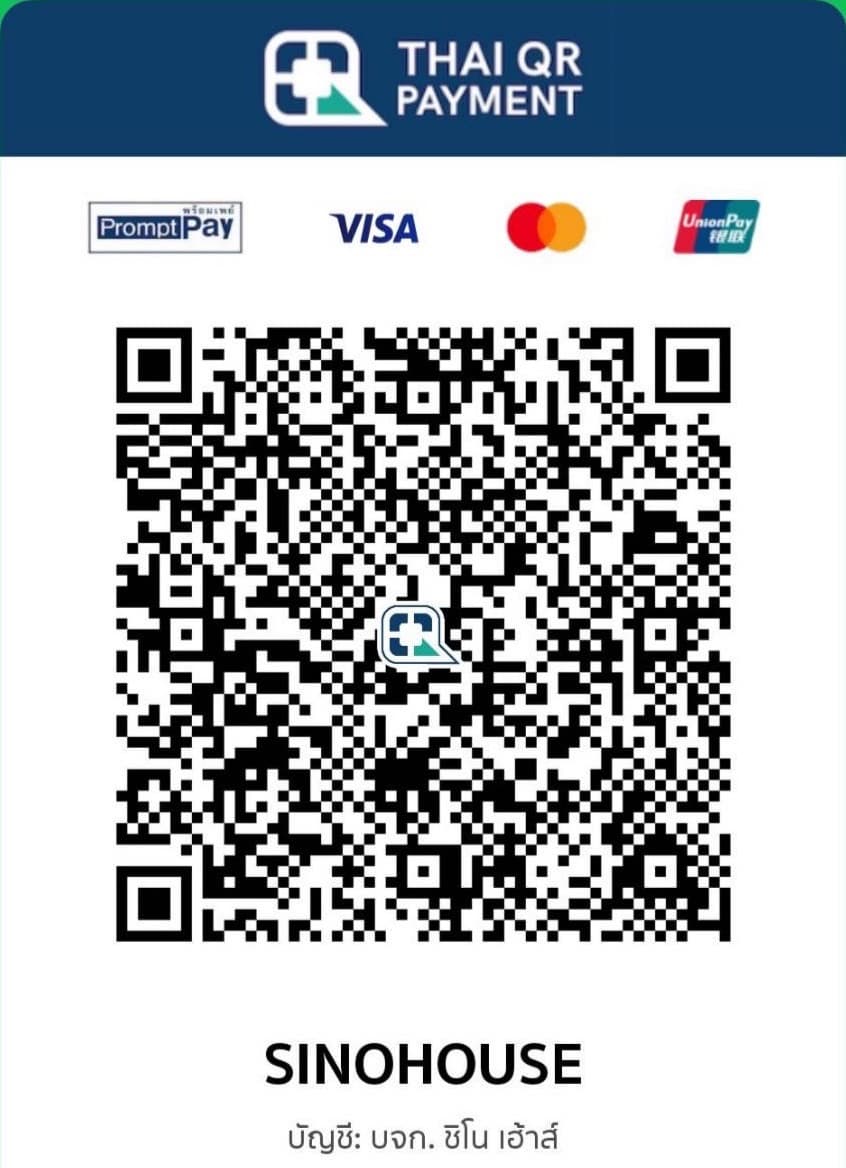
Scan to pay Sino House CO.,LTD
Send your booking request for hotel confirmation. Contact: info@sinohousephuket.com
Submitting this form does not confirm a reservation. The hotel must confirm the price, availability and stay conditions. For cancellation or refund terms, contact the hotel before payment.
For QR code or bank transfer, attach a transfer receipt. For credit card payment, request a secure payment link from the hotel. A request or payment does not by itself confirm your reservation.
Choose from the rooms available for your dates. If your preferred room is not listed, contact the hotel.
Yes. Add bed preferences, arrival time or parking requests. The hotel will confirm what is available. Never include card details.
Your booking is confirmed when the hotel contacts you to confirm availability, price and conditions. Contact the hotel if you need an urgent reply.